DBH Insights reads inventory, capacity, health and performance from one or more vCenters and turns it
into a live dashboard, a topology map, failure-impact answers, cluster capacity totals and 27 exportable sheets —
without your credentials ever leaving your computer.
Point it at your vCenters and get the answers operations, capacity and audit teams keep asking for.
Insights dashboard
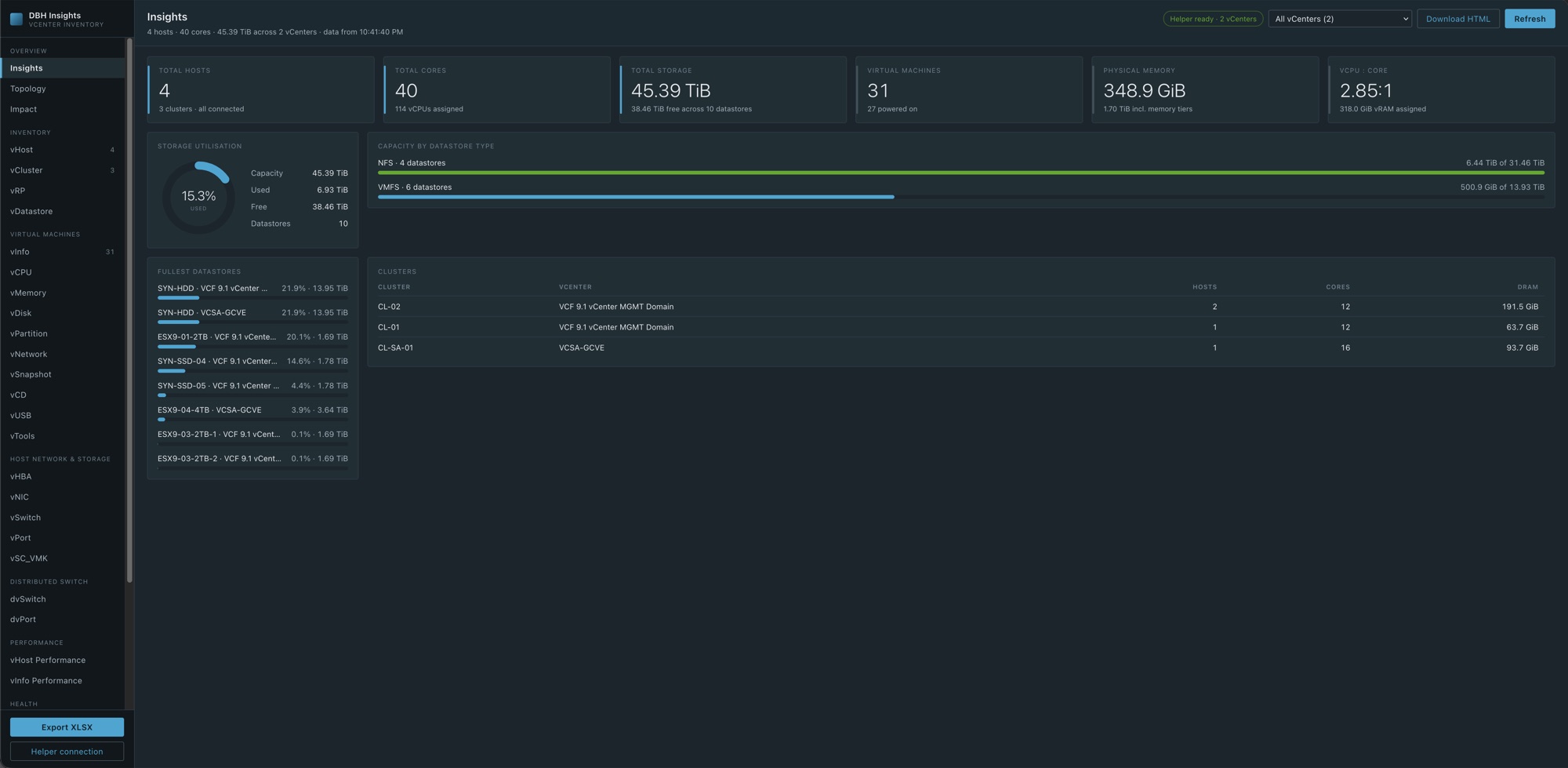
Hosts, cores, storage, VMs, physical memory and the vCPU-to-core ratio at a glance, with the fullest datastores and every cluster. Save it as a standalone HTML report.
Topology map
Hosts grouped by cluster, their datastores, and a line for every mount. Hover to isolate one path; download the map to share it.
Failure impact
"What if this host or datastore fails?" See the VMs that depend on it, whether HA can restart them, whether the cluster has room, and storage only that host can reach.
27 inventory sheets
VMs, CPU, memory, disks, partitions, networks, snapshots, tools, hosts, clusters, resource pools, datastores, switches and licences. Sort, filter, total and group them, plus a capacity summary for every cluster.
Performance
The newest CPU, memory, network and disk sample for every host and every powered-on VM, straight from vCenter's performance counters.
Health checks
Flags hosts with no NTP server or a stopped NTP service, VMs whose folder doesn't match their name, CD-ROMs left connected, and active snapshots.
One-click Excel export
Every sheet in a single XLSX workbook with frozen headers, filters and real dates, built in your browser.
Many vCenters
See every vCenter together or one at a time. If one can't be reached, you get a warning and the rest still load.
API Explorer
Send any read-only REST or SOAP request to vCenter and read the raw response — handy before building a sheet of your own.
Tour
See it with real data
Screens from a lab with two vCenters, four ESXi hosts and 31 VMs.
dbh-insights.github.io/app/
Insights: headline numbers for every selected vCenter, with storage and cluster detail.
How it works
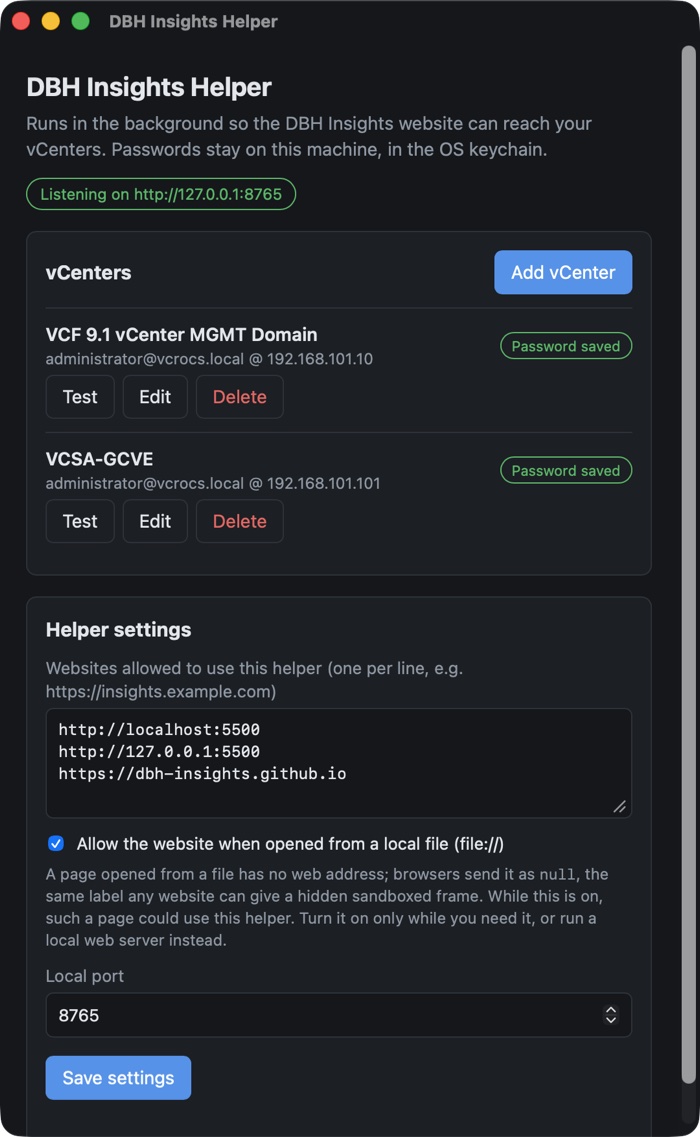
A website for the views, a tiny helper for the connection
Browsers can't reach a vCenter on your network or trust its self-signed certificate, and you shouldn't hand
your vCenter password to a website. So a small helper on your own computer does the talking, and the website never sees your password.
Your browserDBH Insights websiteDashboards, sheets and exports. Updates reach everyone the moment they're published.
127.0.0.1
Your computerDBH Insights HelperHolds the vCenter sessions and passes read-only requests through.
HTTPS
Your networkvCenterREST and SOAP APIs, self-signed certificates welcome.
Install the helper
A small desktop app for macOS, Windows and Linux. It lives in the menu bar or system tray and starts listening on 127.0.0.1.